mdslides.
Zero-config CLI that turns a folder of markdown into a live-reloading slide deck or a self-contained static build you can host anywhere. Published on npm.
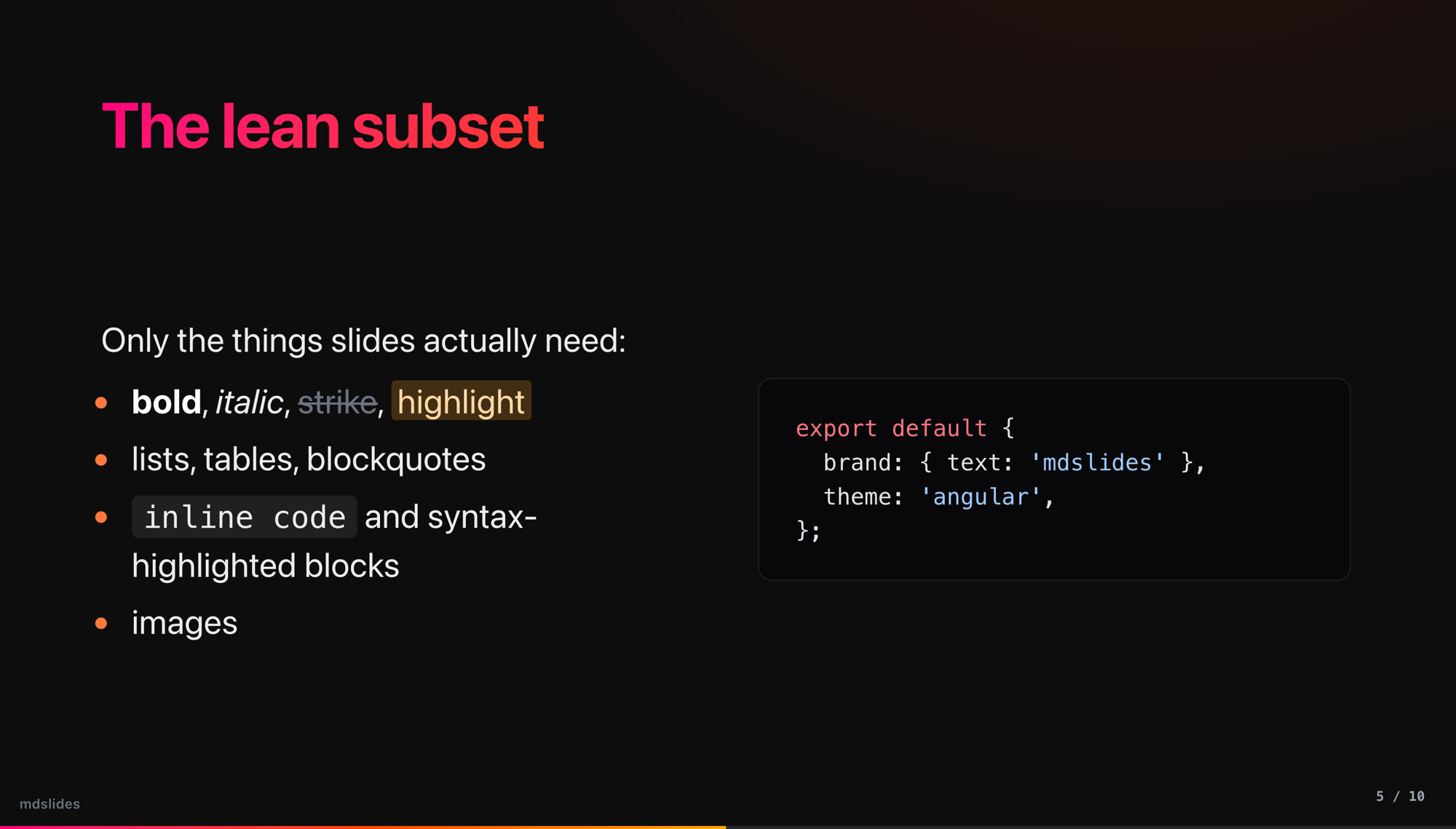
mdslides is a zero-config CLI that turns one markdown file into a presentation. Point it at a folder and it scaffolds a starter deck, then serves it with live reload, builds a self-contained static site you can host anywhere, or prints it to PDF. The whole rendering engine, including a custom unified pipeline and a from-scratch slide runtime, fits in under 1,700 lines with no dev dependencies.
The core idea is that one markdown file is the entire deck. A hand-written splitter walks the source line by line, tracking fenced code state so a `#` inside a code block never starts a new slide, and treats every H1 or a standalone `---` as a slide boundary. YAML frontmatter is stripped, a `{{date}}` token resolves at render time, and per-slide HTML comment directives (`center`, `bg=`, `title`, `plain`, `class=`) configure individual slides without leaving markdown.
Rendering runs through a bespoke unified pipeline rather than Astro's content layer. remark parses GFM and math, then a chain of custom plugins rewrites relative image paths to source-rooted URLs, promotes `{.fragment}` markers and every list item into staged reveal fragments, and runs a layout transform that lifts the heading into a fixed header and splits the body into a prose-left, media-right two-column grid. Code is highlighted with Shiki and math with KaTeX, both wired in as plugins so the deck theme keeps full control of the surrounding markup.
The presentation runtime is plain inline JavaScript with no framework. It fits a fixed 1280x720 canvas into any viewport with a single CSS transform, drives slide and fragment state from keyboard, click zones, and chrome buttons, syncs the current slide to the URL hash for deep links, and adds an overview grid, fullscreen, black-screen, and a light or dark theme toggle. The same slide data feeds a separate `/print` route that lays every slide out one per page with all fragments shown.
PDF export is the sharp engineering. A shared helper locates a headless Chrome, Chromium, Edge, or Brave binary across macOS, Windows, and Linux, prints the `/print` route, and works around Chrome's `--headless=new` not exiting cleanly by polling the output file until its size stabilizes, then killing the process. The dev server exposes this as a `/__export.pdf` middleware that streams a pixel-accurate download, and the CLI's `export` command spins up a throwaway preview server on a random port to do the same offline, falling back to Playwright or to browser Save-as-PDF when no browser is found.